
Guides
Short guides for the moments that matter.
Step by step, with the labels you’ll see in RepoBeam. Each takes a few minutes.
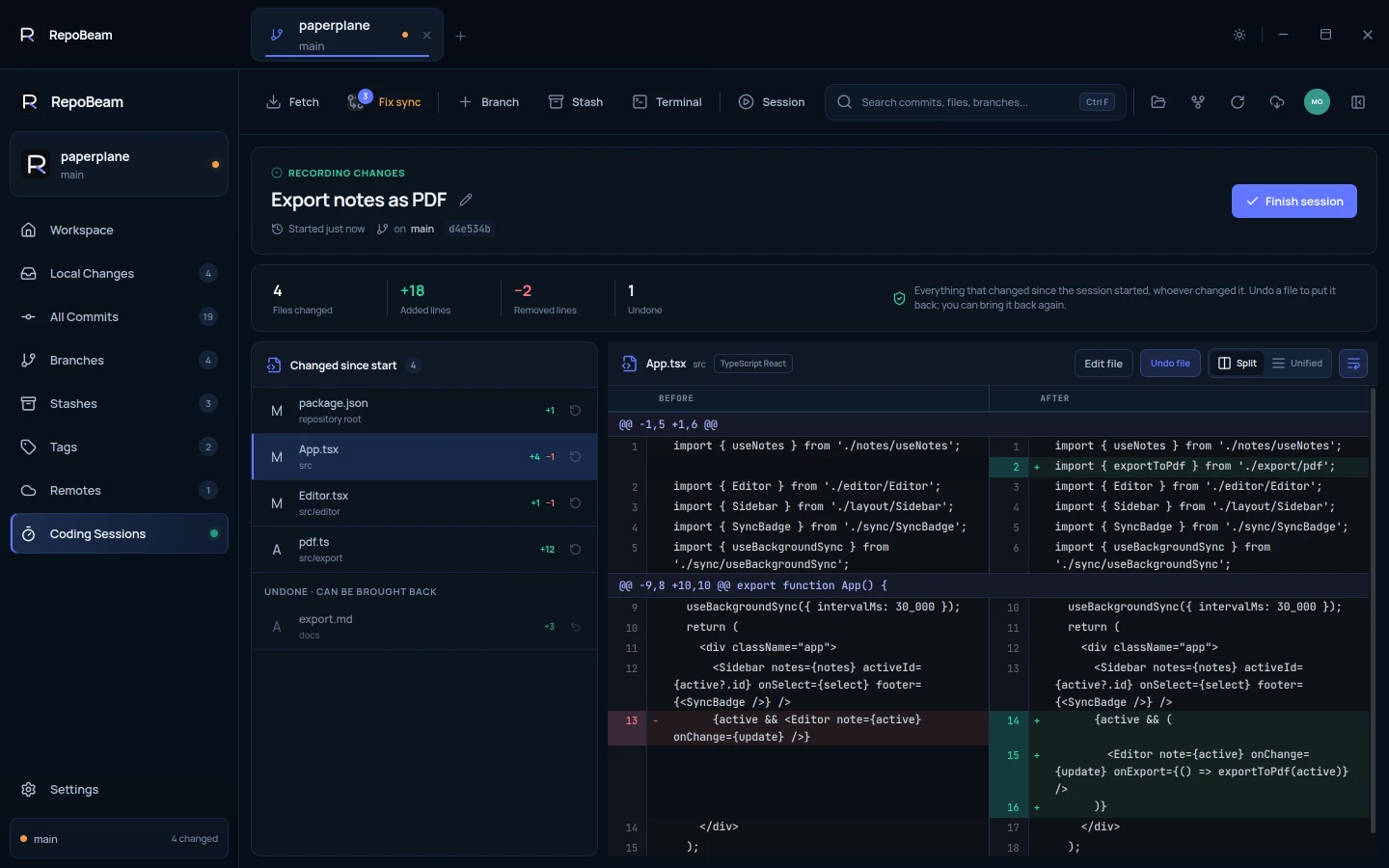 01 · Coding Sessions
Review AI-assisted work with a Coding Session
01 · Coding Sessions
Review AI-assisted work with a Coding Session
Let an agent or editor work, then review every change and decide what stays.
Read guide · 4 min →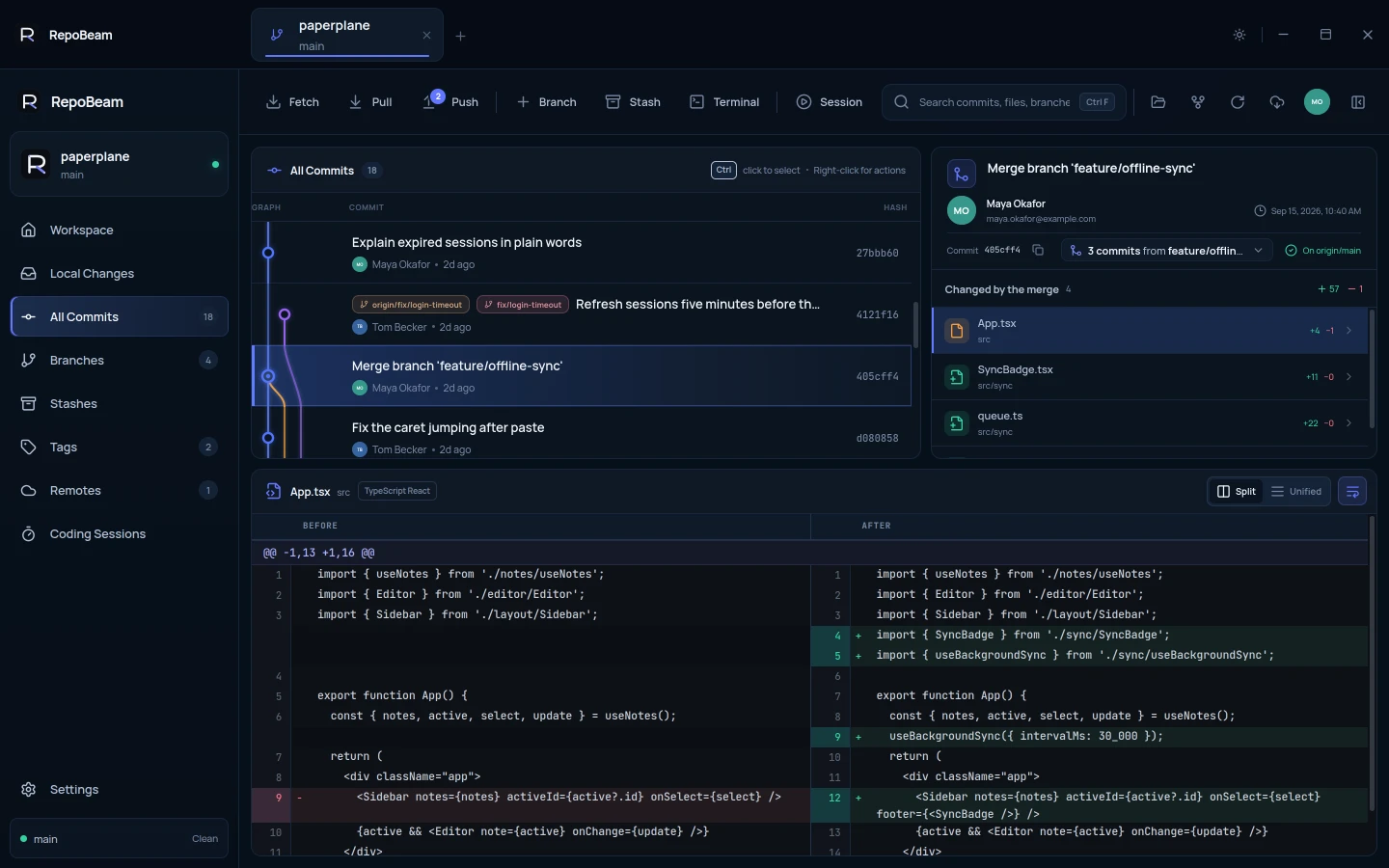 02 · History
Find your way around history
02 · History
Find your way around history
Read the commit graph, see what a commit or a merge changed, and act on any commit.
Read guide · 3 min →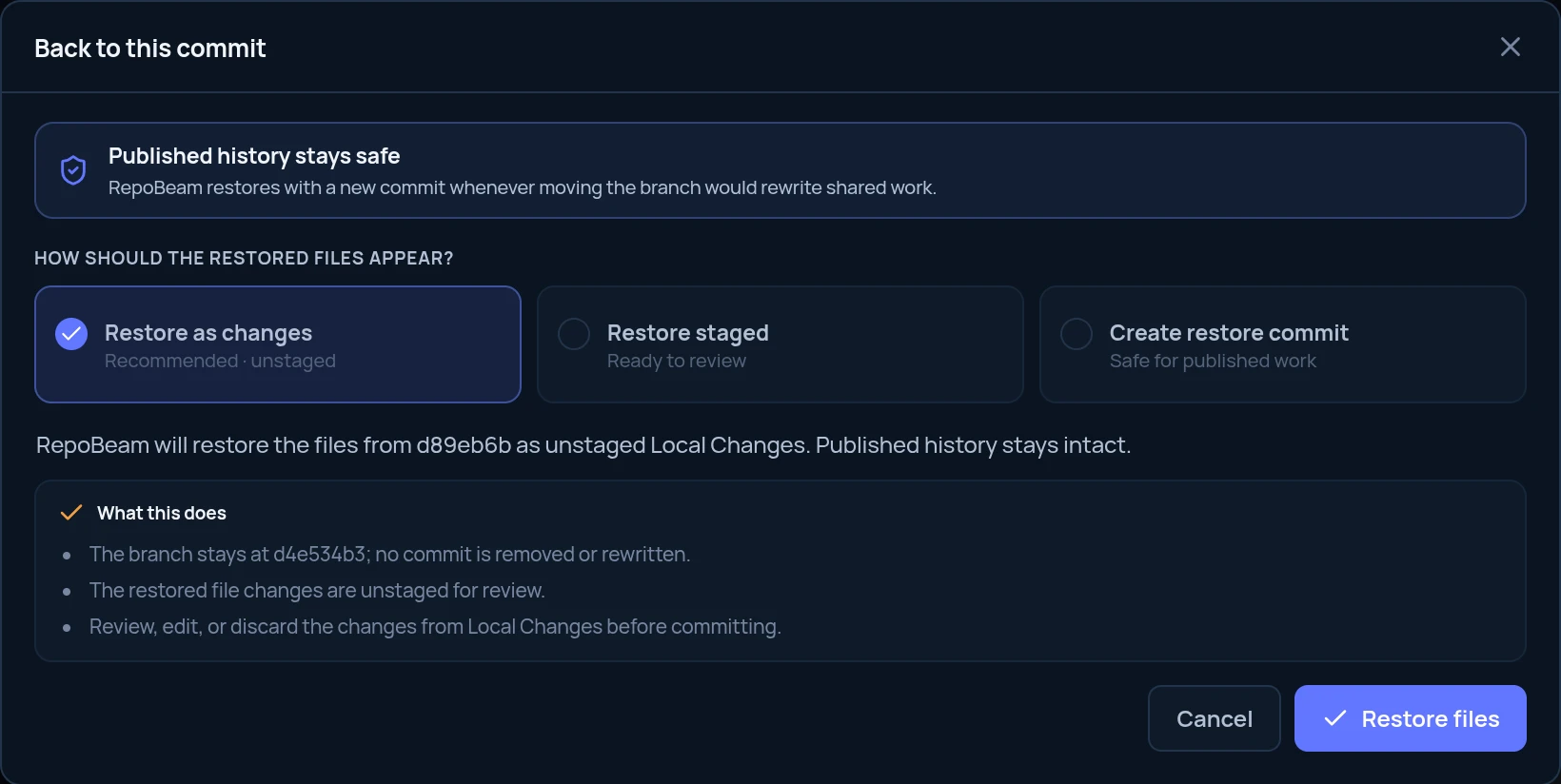 03 · History
Go back to an earlier commit
03 · History
Go back to an earlier commit
Return your files, or your branch, to an earlier point, with a preview first.
Read guide · 3 min →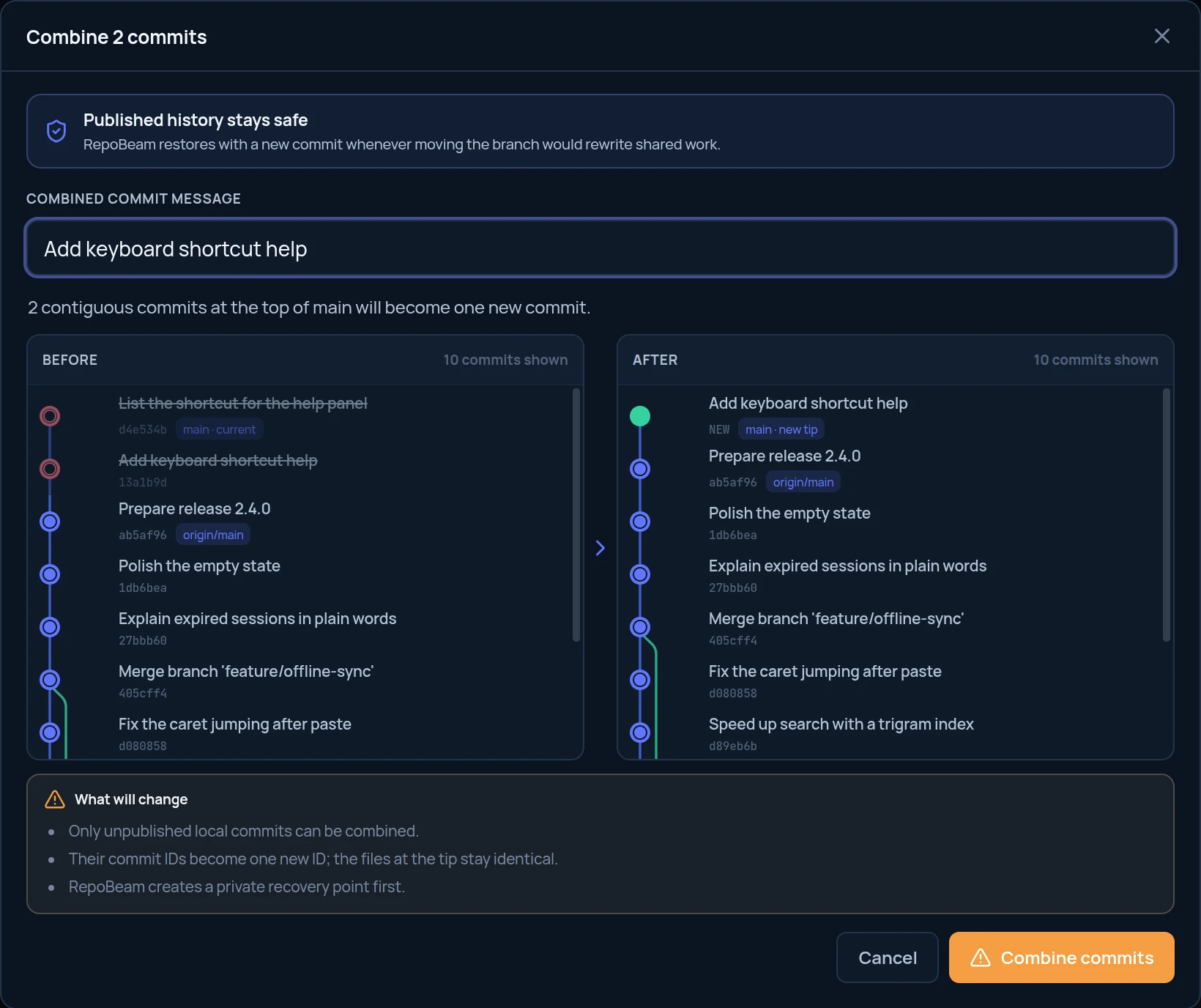 04 · History
Combine commits
04 · History
Combine commits
Turn a run of small commits into one clear commit before you share it.
Read guide · 2 min →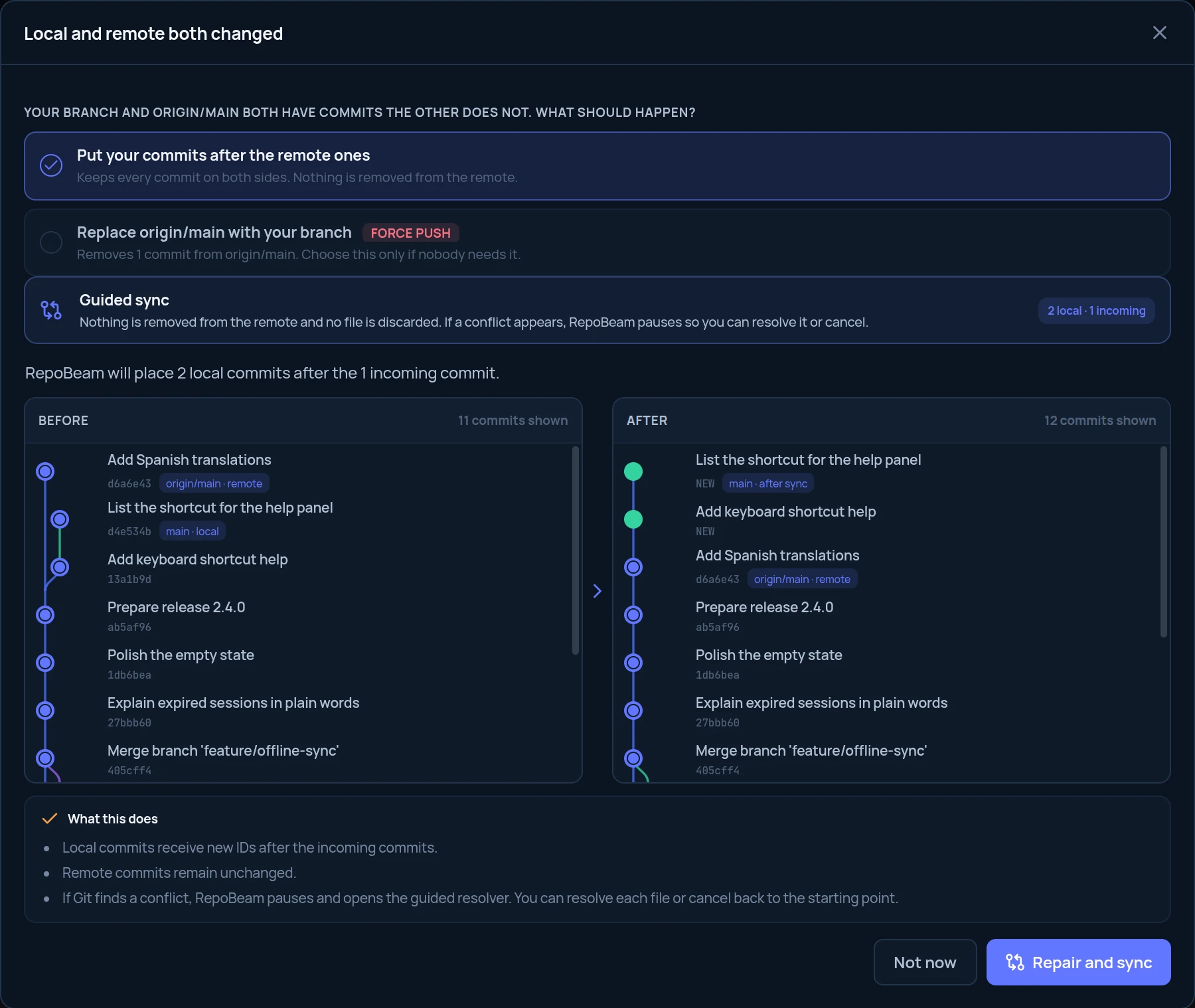 05 · Remotes
Fix a branch that diverged from its remote
05 · Remotes
Fix a branch that diverged from its remote
When your branch and its remote both moved, line them up again without losing work.
Read guide · 3 min →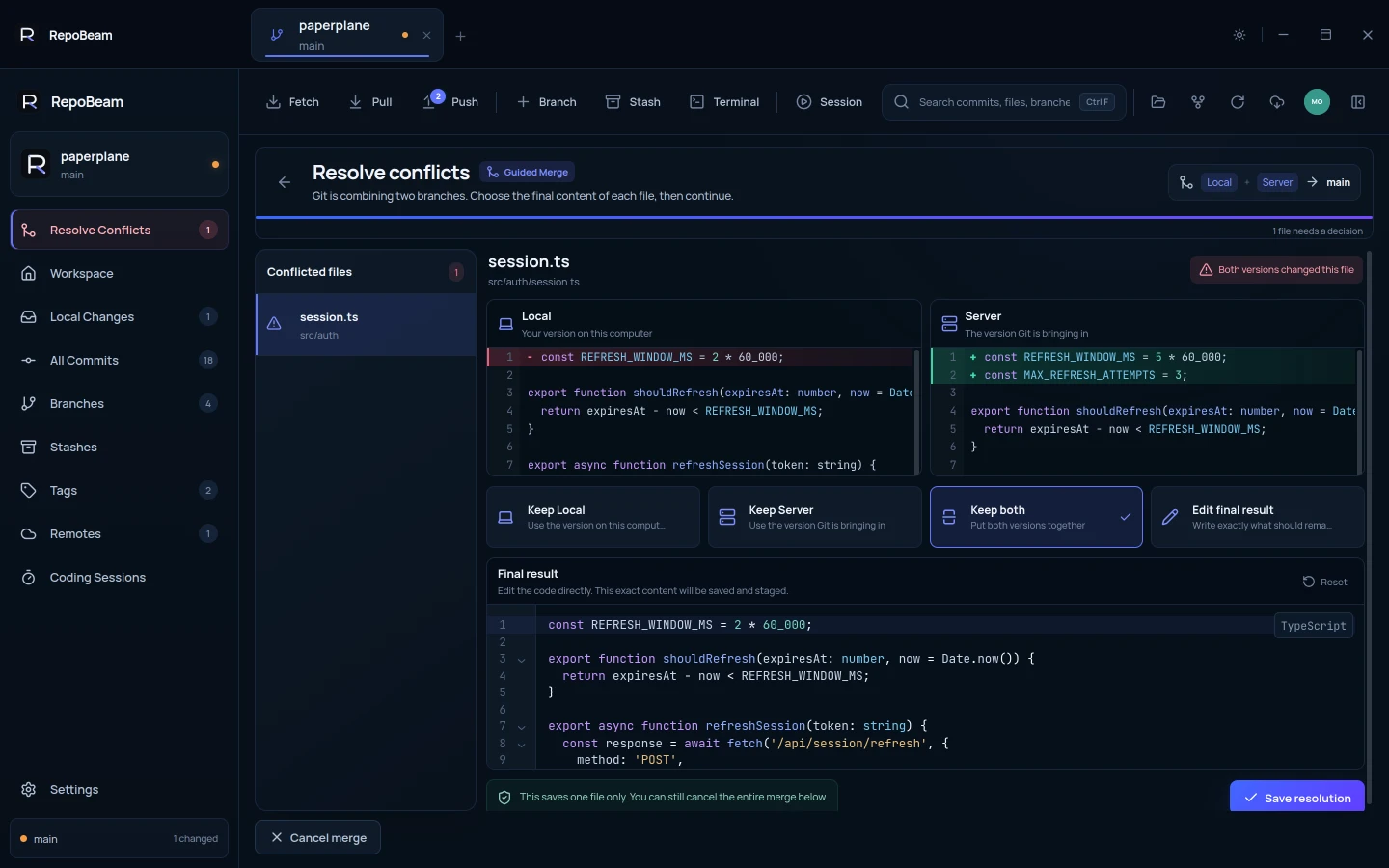 06 · Conflicts
Resolve a conflict
06 · Conflicts
Resolve a conflict
Compare both versions, decide what the file should contain, then continue.
Read guide · 3 min →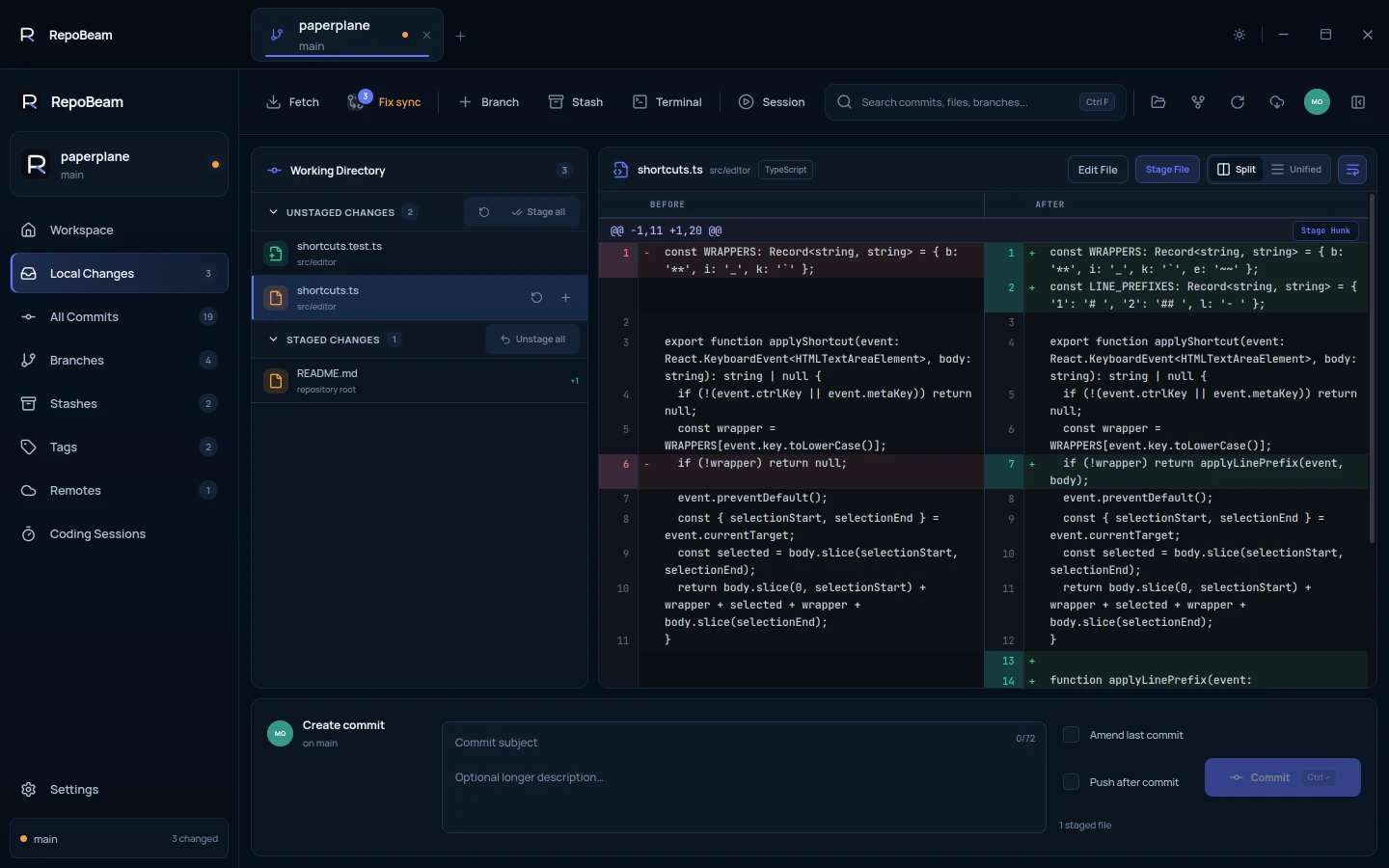 07 · Everyday Git
Stage, edit and commit changes
07 · Everyday Git
Stage, edit and commit changes
Stage whole files or single hunks, fix a line in place, then commit and push.
Read guide · 3 min →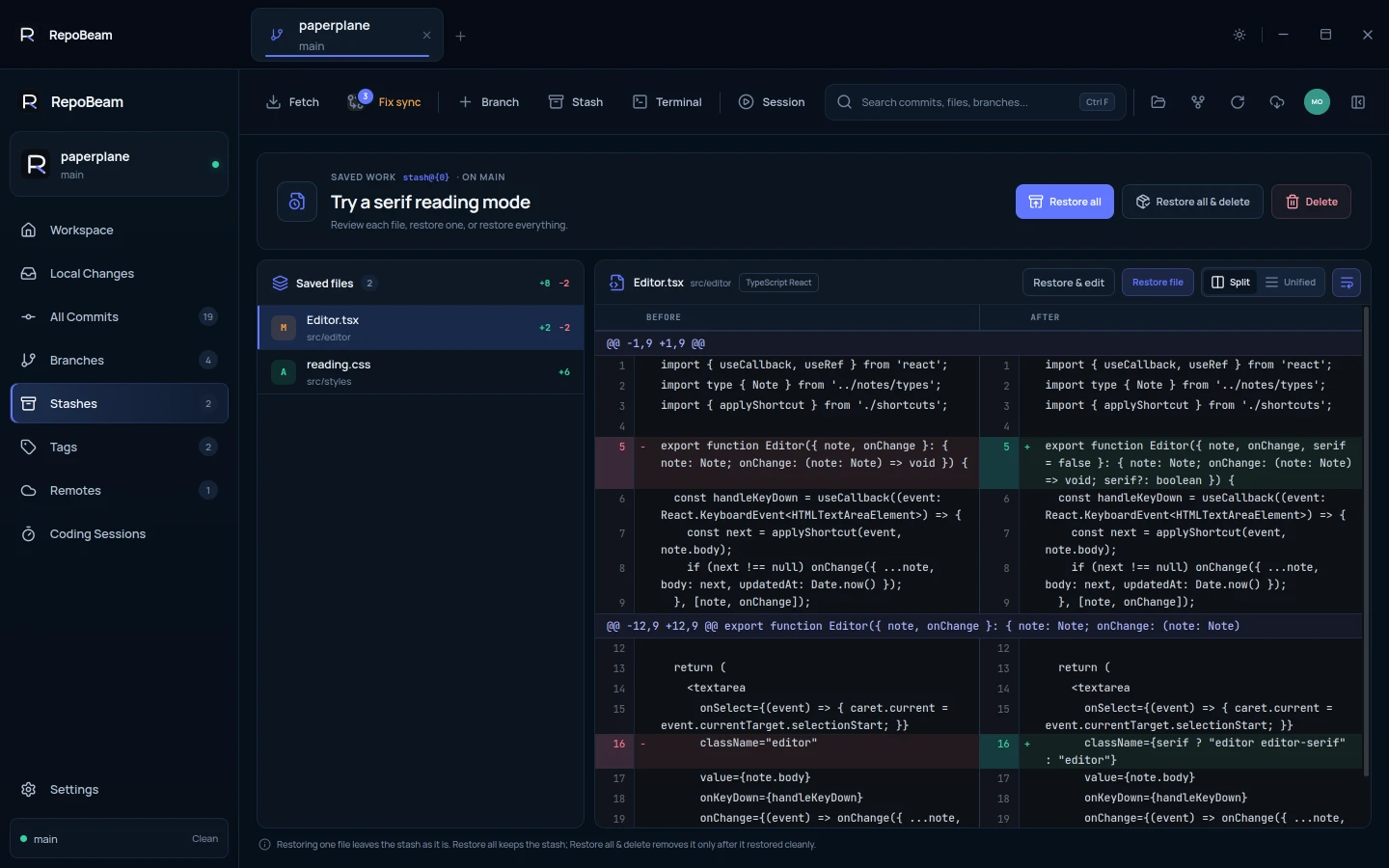 08 · Everyday Git
Set work aside with a stash
08 · Everyday Git
Set work aside with a stash
Save unfinished changes, get a clean branch, and bring them back later, one file or all.
Read guide · 2 min →